Trust & governance
Your customer data is some of the most sensitive data you hold, so Pulse is built to keep it private, protected, and under your control. This page is honest about two things: the protections that are true today, and the capabilities that are on the roadmap. We're clear about which is which — Pulse never implies it does something it doesn't yet do.
What's true today
These protections are on by default in every workspace.
Workspace isolation
Your workspace is a fully isolated environment. One workspace can never see another's data — privacy between workspaces is built into how Pulse stores and serves information, not something you configure. See Workspaces & access for the full picture.
An activity log of every change
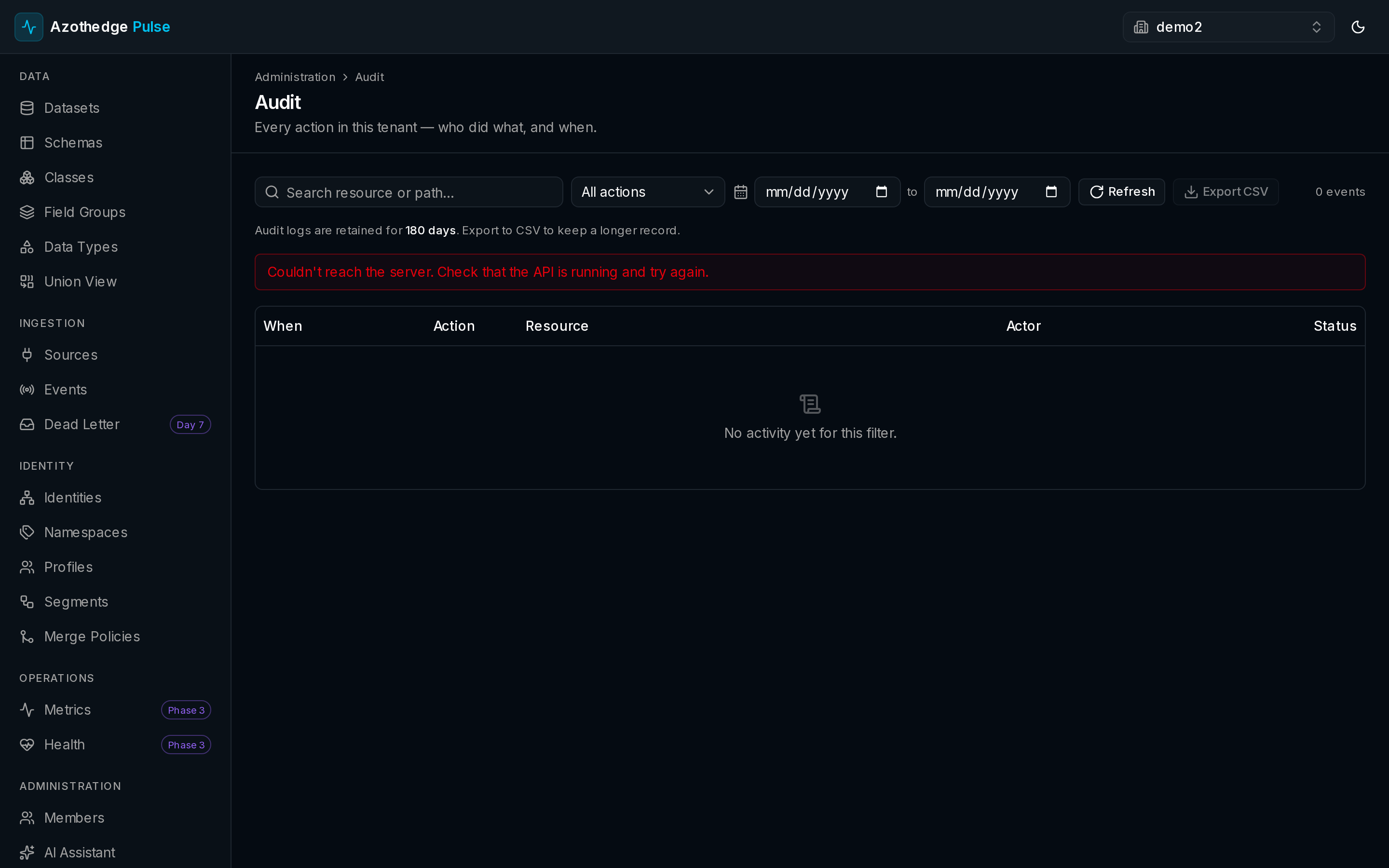
Pulse keeps an activity log of every meaningful change in your workspace — who created, updated, or removed something, what they changed, and when. It's your record of what happened and a quick way to answer "who changed this?". You can review it in the app and filter it by date.
See Activity log for how to read and filter it.
Secure, encrypted storage
Your data is stored securely and kept private to your workspace. Sensitive credentials — like the keys Pulse uses to connect to your other systems — are encrypted, and account passwords are never stored in a form anyone can read. You bring your data in; Pulse keeps it safe.
Sensitive-field labels
You can mark individual fields in a schema as sensitive, so everyone on your team knows which fields need extra care before they're used. Labels make the sensitivity of your data visible and explicit, right where people work with it.
On the roadmap
Coming soon
The following governance capabilities are not yet available. Pulse does not currently capture or enforce consent, evaluate data-use policies, or run privacy request workflows — please don't rely on these as if they exist today.
- Consent capture and enforcement — recording each person's consent and honoring it automatically wherever their data is used.
- Data-use policies — labelling data with how it may be used, and preventing actions that would break those rules.
- Privacy request workflows — handling access, correction, and erasure requests (for example under GDPR) from start to finish.
Next steps
-
Workspaces & access
How isolation and roles keep your data private and controlled.
-
Activity log
Review who did what, and when, across your workspace.