Audiences
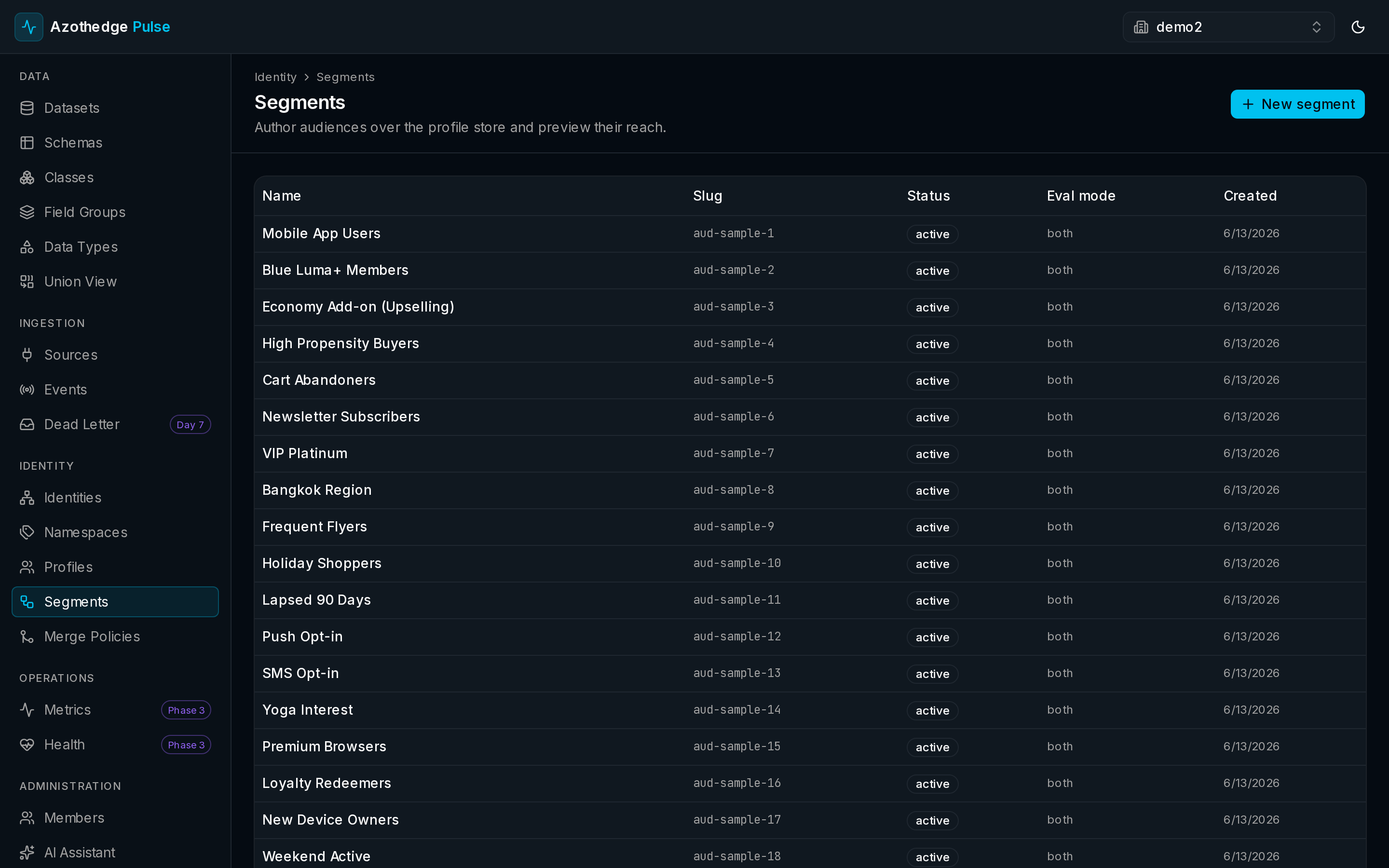
An audience is a group of customers who share something in common — what they've done, what they've bought, or who they are. Audiences are how you turn everything Pulse knows about your customers into a group you can actually act on, whether that's a campaign, an analysis, or a test.
You build an audience by describing who belongs, and Pulse finds everyone who matches — then keeps the group current as your customers change.
Why audiences matter
A unified customer profile tells you everything about one person. An audience lets you ask about many people at once: who are my high-value loyalty members?, who hasn't purchased in 90 days?, who's based in Thailand and on the pro plan?
Because audiences are built on unified profiles, they're accurate. You're targeting real people based on everything you know about them — not a fragment from a single channel.
Describing who belongs
You define an audience with conditions. Each condition tests one thing about a customer — for example plan is pro, or country is Thailand. You then combine conditions to describe exactly who should be included:
- AND — a customer must match all of the conditions.
- OR — a customer must match any of the conditions.
- NOT — exclude customers who match.
You can also nest groups of conditions for more precise targeting — for example, plan is pro AND (country is Thailand OR country is Singapore). Start simple and build up as you go.
The live size estimate
As you add and adjust conditions, Pulse shows a live size estimate — roughly how many customers currently match. It's an instant sanity check: add a condition that's too strict and you'll see the count drop right away, so you never save an audience by accident that's far smaller than you intended.
The estimate is based on a sample of your customers, so the final audience may differ slightly — but it's more than accurate enough to guide you as you build.
Audiences keep themselves current
Once you save an audience, you're done maintaining it. Pulse evaluates it against your customers right away and then keeps it up to date automatically as new data arrives. People who start matching are added; people who no longer match drop out. You never have to rebuild or refresh an audience by hand.
Build it up gradually
Start with one condition, check the size, then add more. The live count tells you immediately when you've narrowed an audience too far.
Build your first audience
Ready to try it? The step-by-step guide walks you through it:
Next steps
-
Build an audience
Create your first audience visually, with a live count as you go.
-
Customer profiles
Audiences are only as good as the customer view behind them.