Workspaces & access
A workspace is your private home in Pulse. It's where your data lives, where your profiles are built, and where your team works. Everything you do in Pulse happens inside a workspace — and each workspace is completely isolated from every other one.
That isolation is the foundation of trust in Pulse: one workspace can never see another's data, full stop.
Your data stays private
Your workspace is an isolated environment. The data you bring in, the profiles Pulse builds, the audiences you create — none of it is ever visible to another workspace. This privacy is built in by design, not something you have to configure or remember to switch on.
It also means you can work with confidence. Whatever your team does inside your workspace stays inside your workspace.
Inviting your team
You don't work in Pulse alone. You invite teammates into your workspace as Members. Each member signs in with their own account and works inside the same shared workspace, so everyone sees the same data and the same profiles.
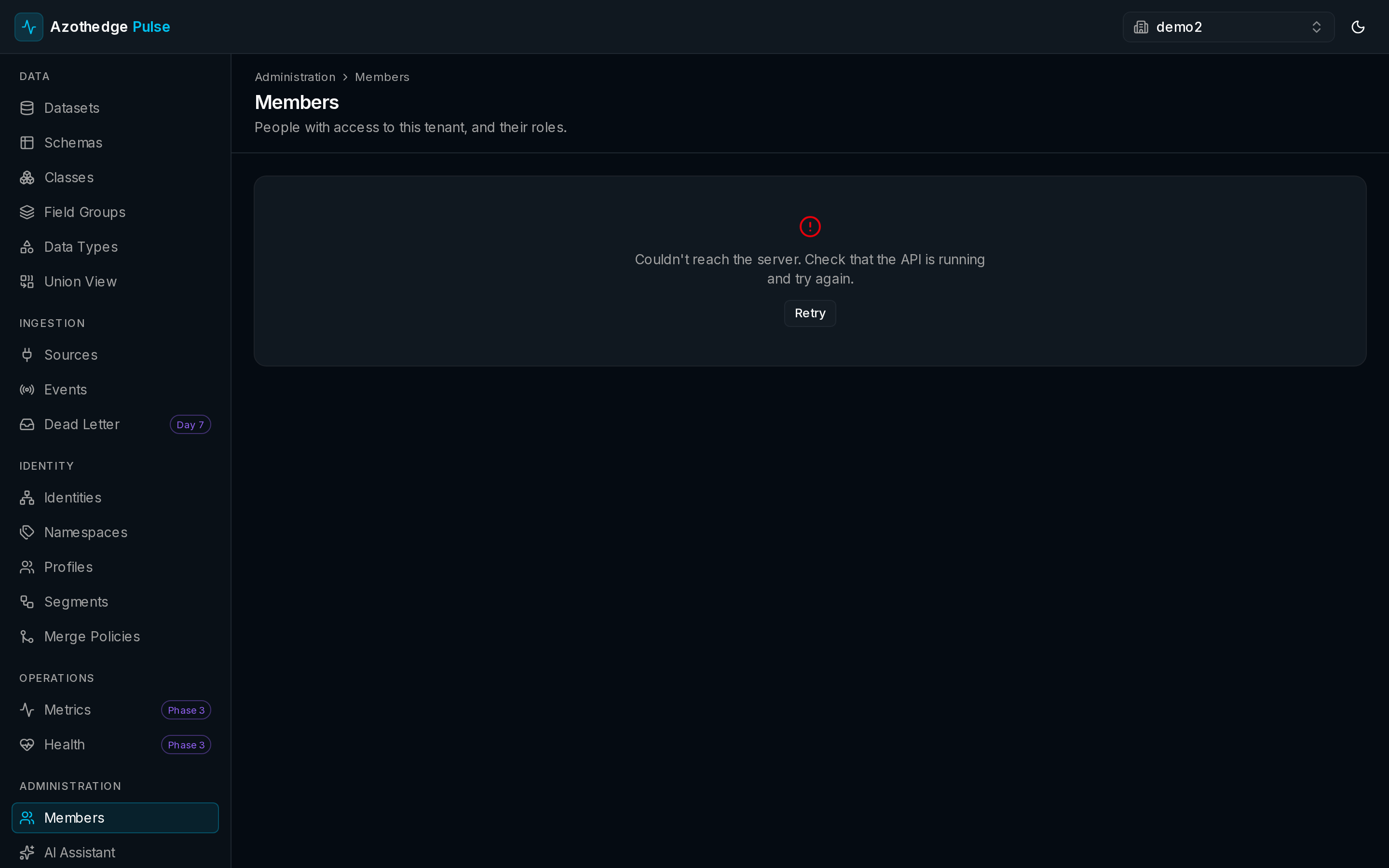
To manage who's on your team, select Members in the left navigation, under Administration.
The four roles
Every member has a role that controls what they can do. Roles let you give people exactly the access they need — no more, no less.
| Role | What they can do |
|---|---|
| Viewer | Look at everything in the workspace, but can't make changes. Ideal for stakeholders who just need visibility. |
| Editor | Do the day-to-day work — create and edit schemas, datasets, audiences, and more. |
| Admin | Everything an Editor can do, plus manage members and workspace settings. |
| Owner | Full control of the workspace, including the most sensitive settings. |
Give the least access needed
Start people as Viewers or Editors and promote them as their responsibilities grow. It's the simplest way to keep your workspace secure.
Switching workspaces
If you belong to more than one workspace — say, one for each brand or region — you can switch between them from within Pulse. Each switch takes you into a fully separate environment, with its own data, profiles, and members.
Manage your team
For step-by-step help inviting members, changing roles, and removing access:
Next steps
-
Trust & governance
How Pulse keeps your data private, isolated, and under your control.
-
Manage your team
Invite teammates and set the right role for each.