Get started
Welcome to Azothedge Pulse — the place where all of your customer data comes together into one trusted, real-time view. This section helps you find your feet: what Pulse does, how to get around the app, and where to begin.
You don't need an engineering team, and you don't install anything. You sign in at pulse.azothedge.com and work entirely in your browser, inside your own private workspace.
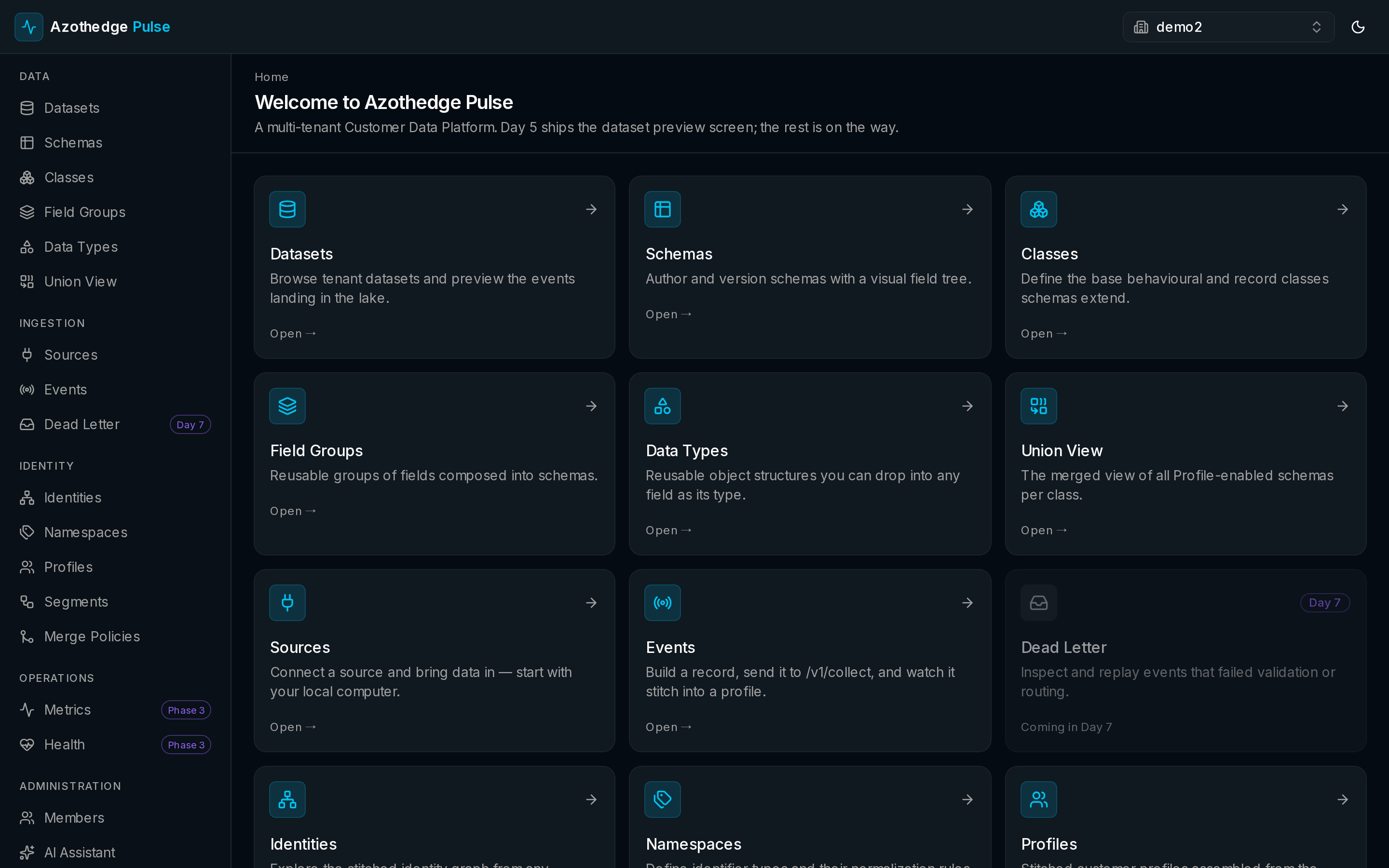
Start here
-
What is Pulse?
The problem Pulse solves, what it does for you, and who uses it day to day.
-
A quick tour
Sign in, get oriented, and follow your data from collection to a finished audience.
-
Glossary
Plain-language definitions for every term you'll see in Pulse.
Your first tasks
-
Connect a source
Pull data in from your other systems — a SaaS tool, a streaming feed, or a file you upload.
-
Build an audience
Group customers by who they are and what they've done, with a live count as you build.
Are you a developer?
Pulse has a full REST API for technical teams who want to send data or integrate Pulse with other systems programmatically. See the Developers section.