Manage identity namespaces
A namespace labels a type of identifier — an email address, a phone number, a loyalty ID, an anonymous app visitor. It also defines how Pulse standardizes those values, so the same person is recognized no matter how their identifier was entered. Getting namespaces right is what makes identity matching reliable.
This guide walks you through creating and managing namespaces.
Before you start
Namespaces power how identity works — they tell Pulse which values to compare, and how to compare them, when it links records into one profile.
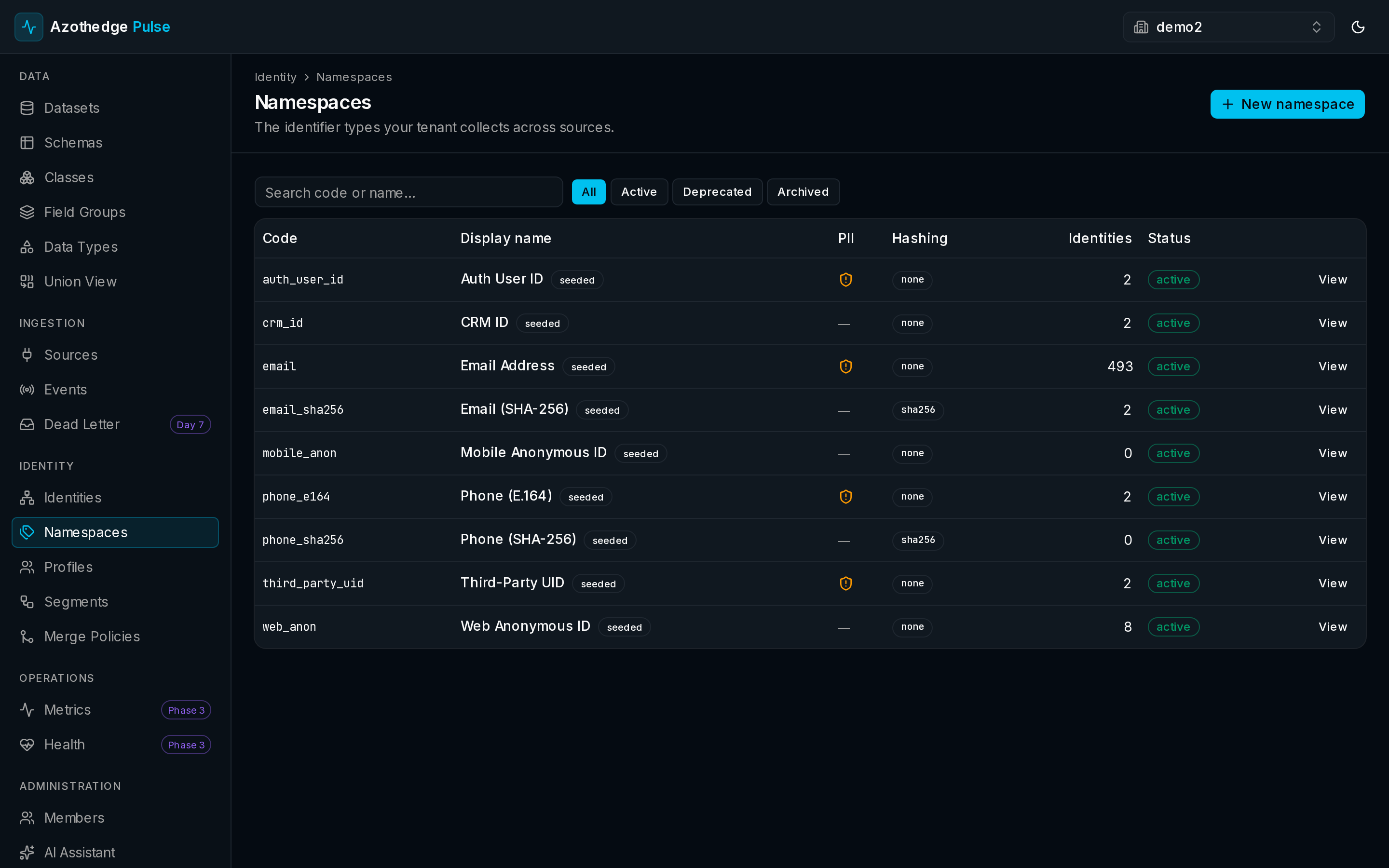
Open the namespaces list
- Sign in to Pulse at pulse.azothedge.com.
- In the left navigation, under Identity, select Namespaces.
- You'll see all of your namespaces. Some are built in and ready to use right away.
Create a namespace
Add a namespace when you have an identifier type that isn't already covered.
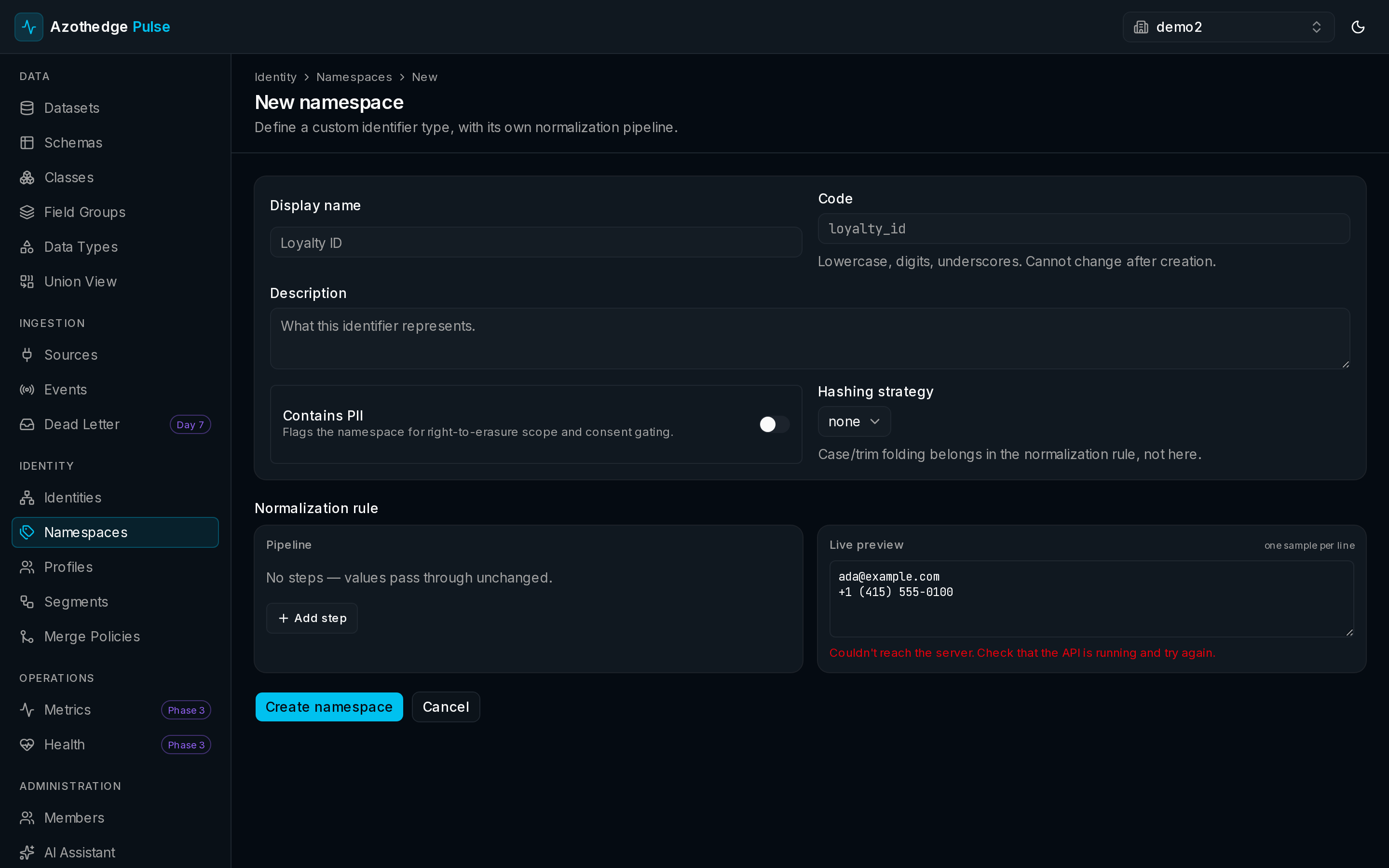
- Select to create a new namespace.
- Enter a short code — a simple key for the identifier, such as loyalty_id.
- Enter a display name — the friendly label people see, such as Loyalty ID.
- Mark whether it holds personal data, so Pulse can treat it with the right care.
- Choose how values are normalized — for example, trimming spaces or lowercasing — so the same identifier always matches even when it's typed differently.
Normalization is what makes matching work
Two records with Jane@Example.com and jane@example.com describe the same person — but only if you normalize the value. Choosing the right standardization here prevents duplicate profiles later.
Preview the normalization
Before you save, check that the standardization does what you expect.
- Enter a few sample values as your data might really contain them.
- Pulse shows how each one is normalized.
- Adjust the settings until the previewed results look right.
Retire a namespace
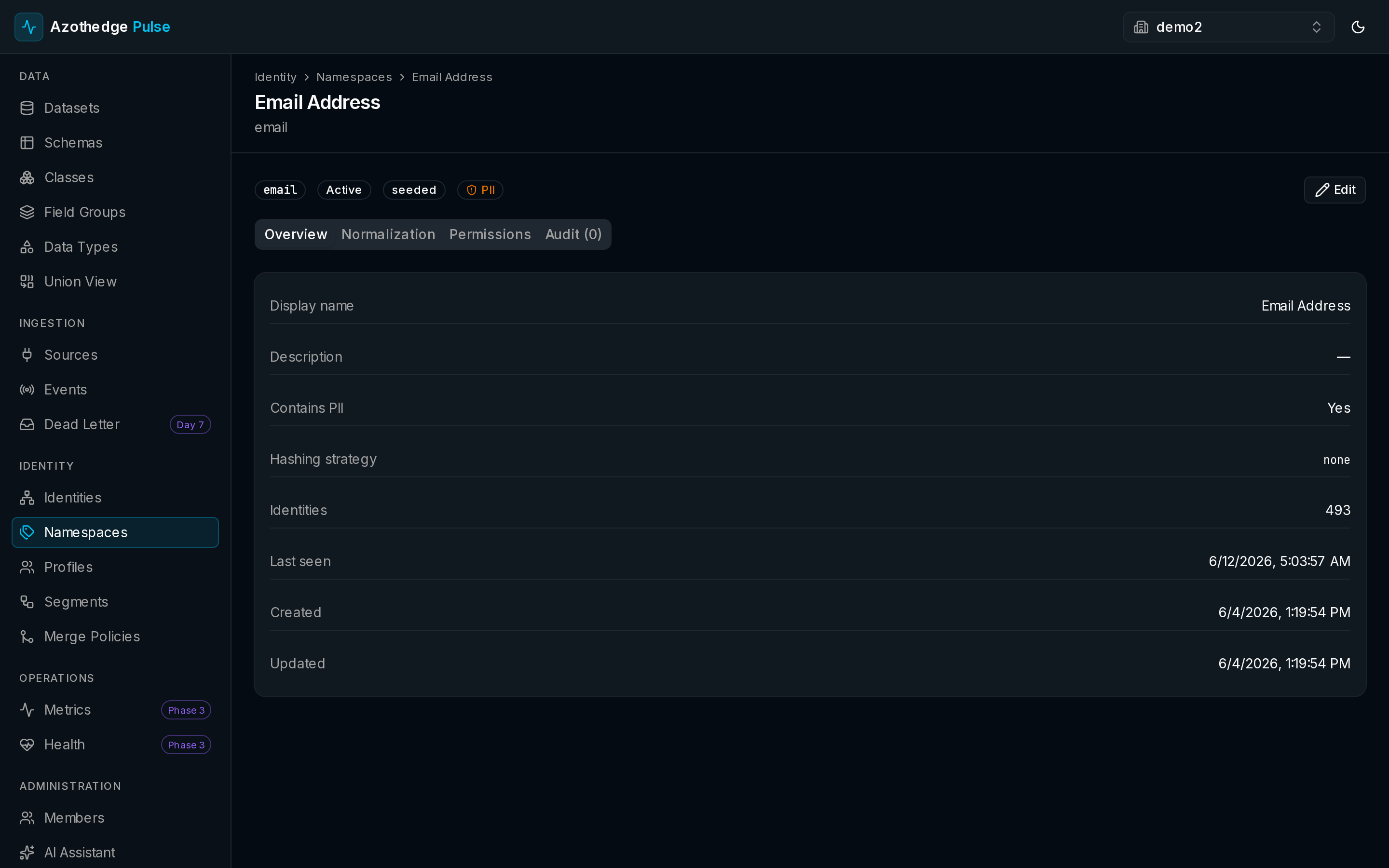
When an identifier type is no longer used, you can deprecate or archive it. This keeps your list focused on what's current without losing the history of how data was matched in the past.
Next steps
-
How identity works
See how namespaces help Pulse decide which records belong to the same person.
-
Customer profiles
The unified view that reliable matching makes possible.